
3 ways to check SSC, equivalent exam results

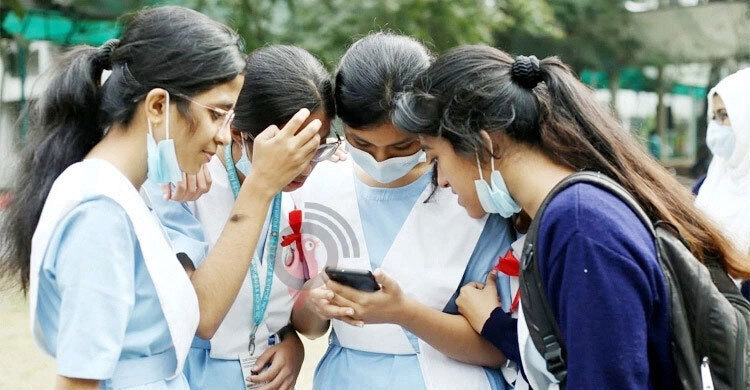
The results of this year’s Secondary School Certificate (SSC) and equivalent examinations were published on Thursday (July 10). Students can check their results by entering their roll and registration numbers on the central education board results website or their respective education board websites. Results can also be obtained via SMS.
Three Ways to Access the Results:
1. Online:
Students can visit the central website (www.educationboardresults.gov.bd) and enter the required information—examination name, passing year, board, roll number, and registration number—to view their individual results.
Alternatively, they may visit the official website of their respective education board, go to the “Result” section, and enter the same details to access their results.
2. From Educational Institutions:
Students may also collect their results directly from their educational institutions. Education boards have advised schools to ensure the results are accurately distributed.
3. Via SMS:
To get results by SMS, students need to go to the message option on their mobile phones and type in English:
SSC First three letters of Board Roll Number Exam Year
Then send the message to 16222.
Example:
For a student under the Dhaka Board, the message would be: SSC DHA 123456 2025 → Send to 16222.